Visualize
No one can see the picture in your head.
It plays perfectly for an audience of one. Bosswriter pulls it out of the script, frame by frame: boards, motion, performance, a rough cut. What the room used to imagine, it can now watch.
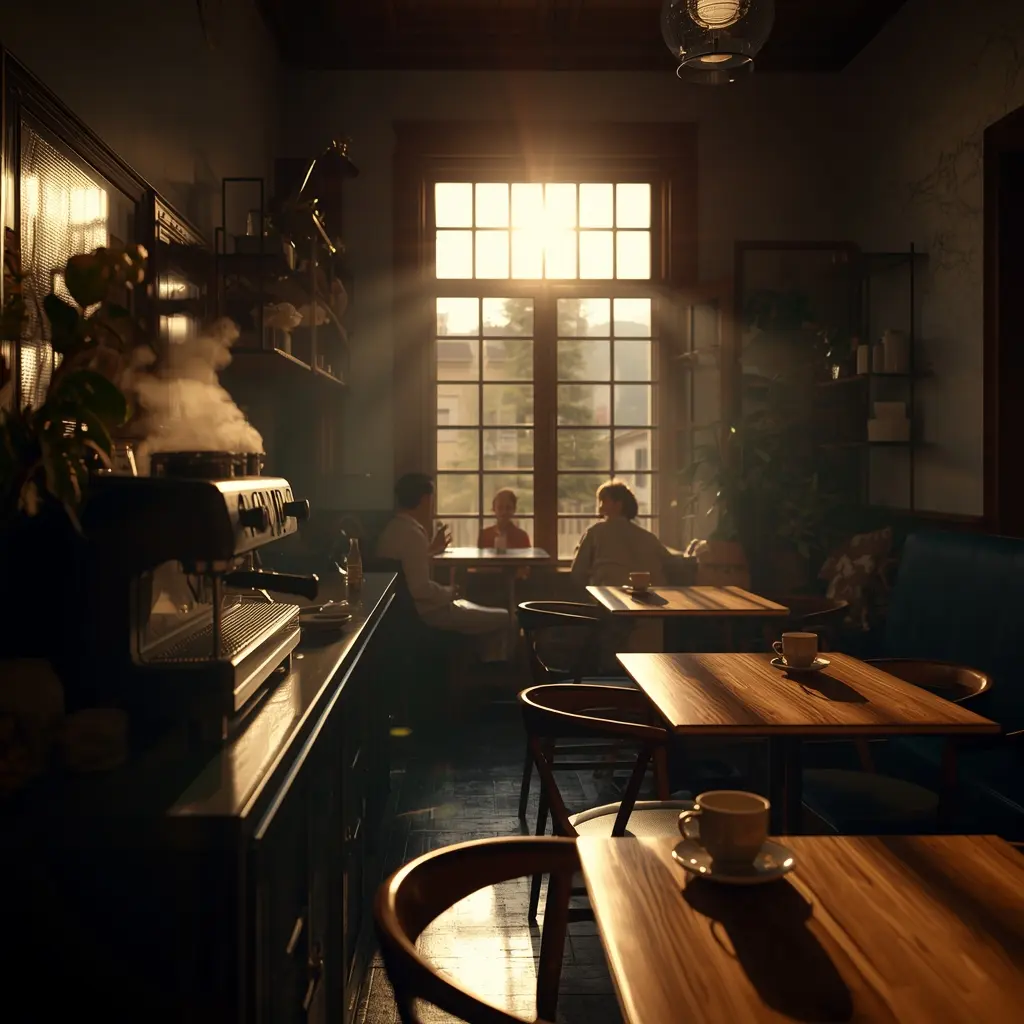
Storyboards from your script
Every scene becomes a shot list
Bosswriter breaks a scene into beats, shot type, composition, props, and emotion, then generates an image for each one. Do a single frame, or batch the entire script at once and watch the boards stream in live.
- Automatic beat breakdown: shot type, composition, props
- Generate one frame or batch every scene at once
- Results stream in live as each shot renders
- Boards stay attached to the scenes they belong to
 Beat 1
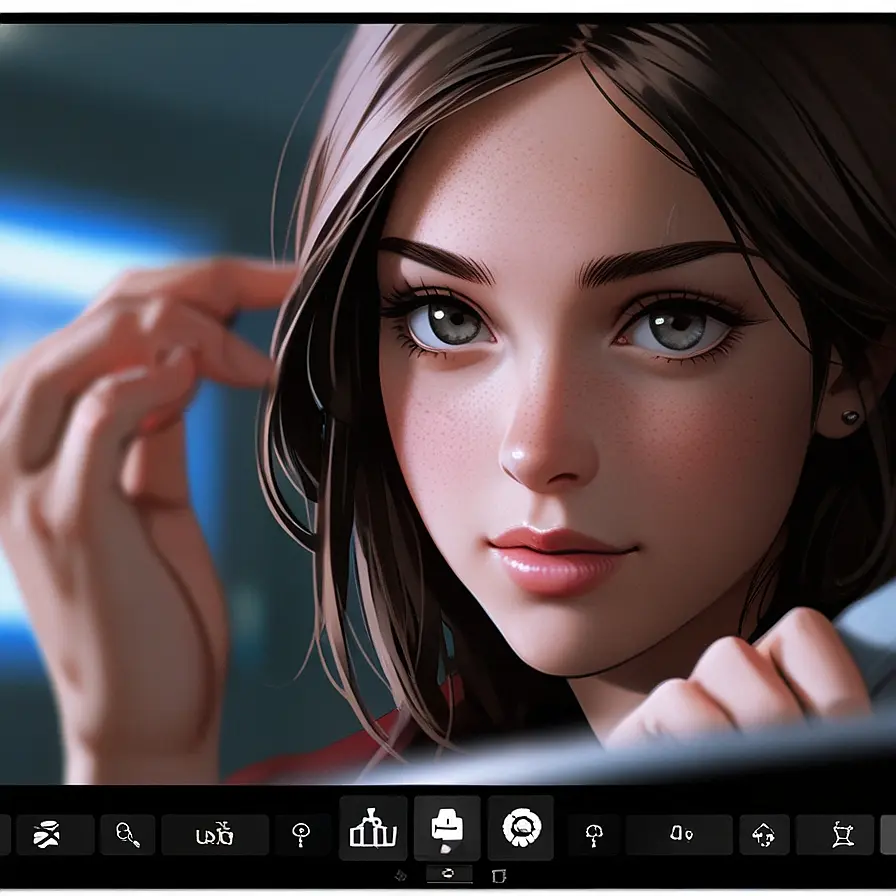 Beat 2
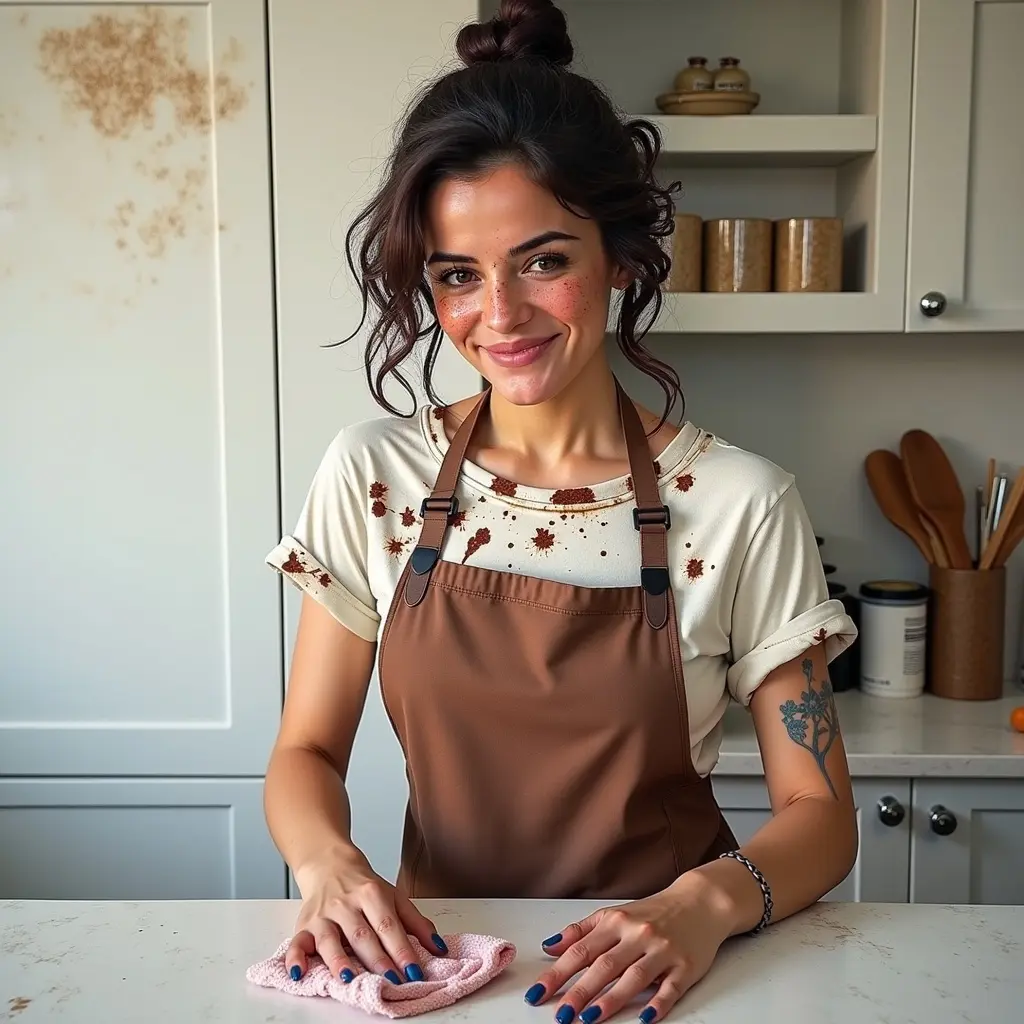 Beat 3
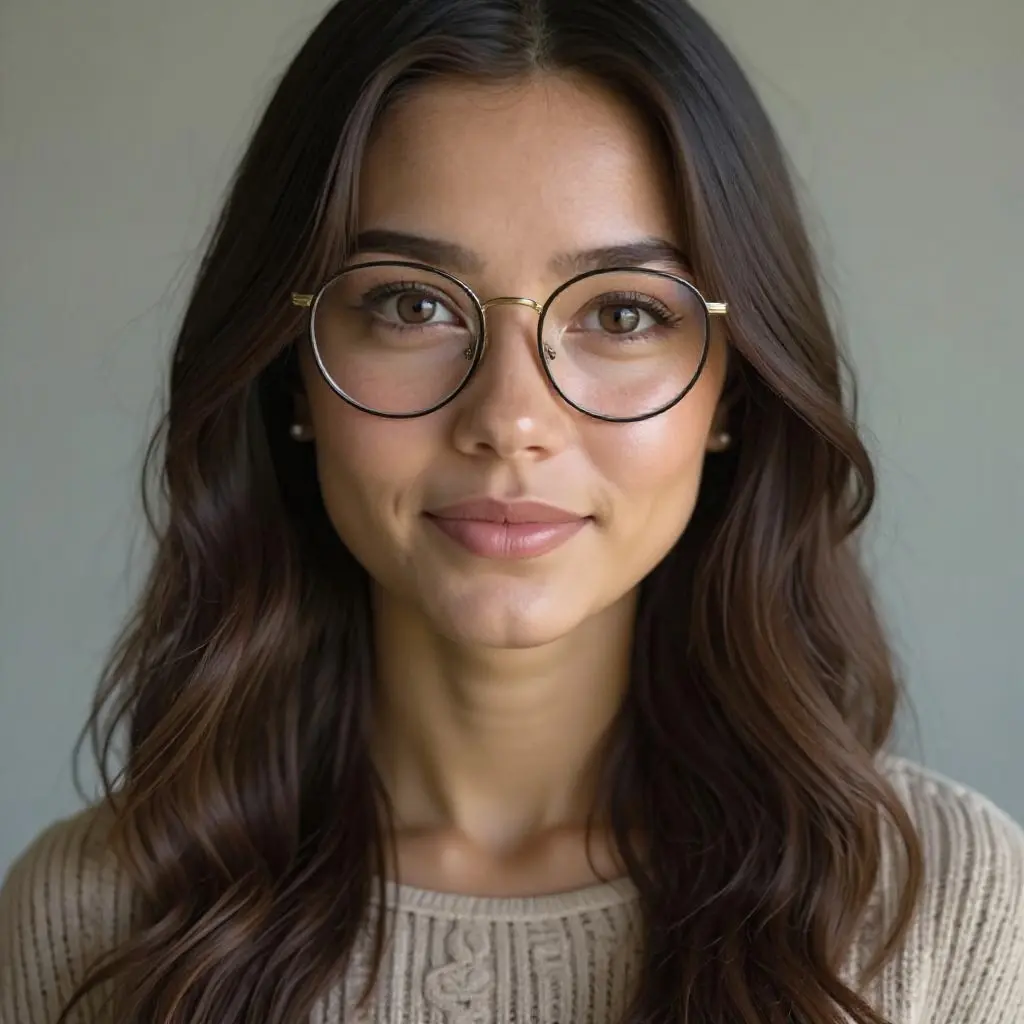 Beat 4Scene 4 · Beat 2
Beat breakdown
- Shot type
- Close-up
- Composition
- Centered, eye-level
- Props
- Cloth, counter
- Emotion
- Quiet resolve
Character consistency
The same character, every frame
The hardest part of AI visuals is keeping a character looking like themselves. Bosswriter injects reference images and reuses per-model seeds so your lead is recognizably the same person from the first board to the last.
- Reference-image injection across image models
- Reusable, per-provider seeds for repeatable looks
- Versions you can compare and roll back
- Multi-image references for tricky angles
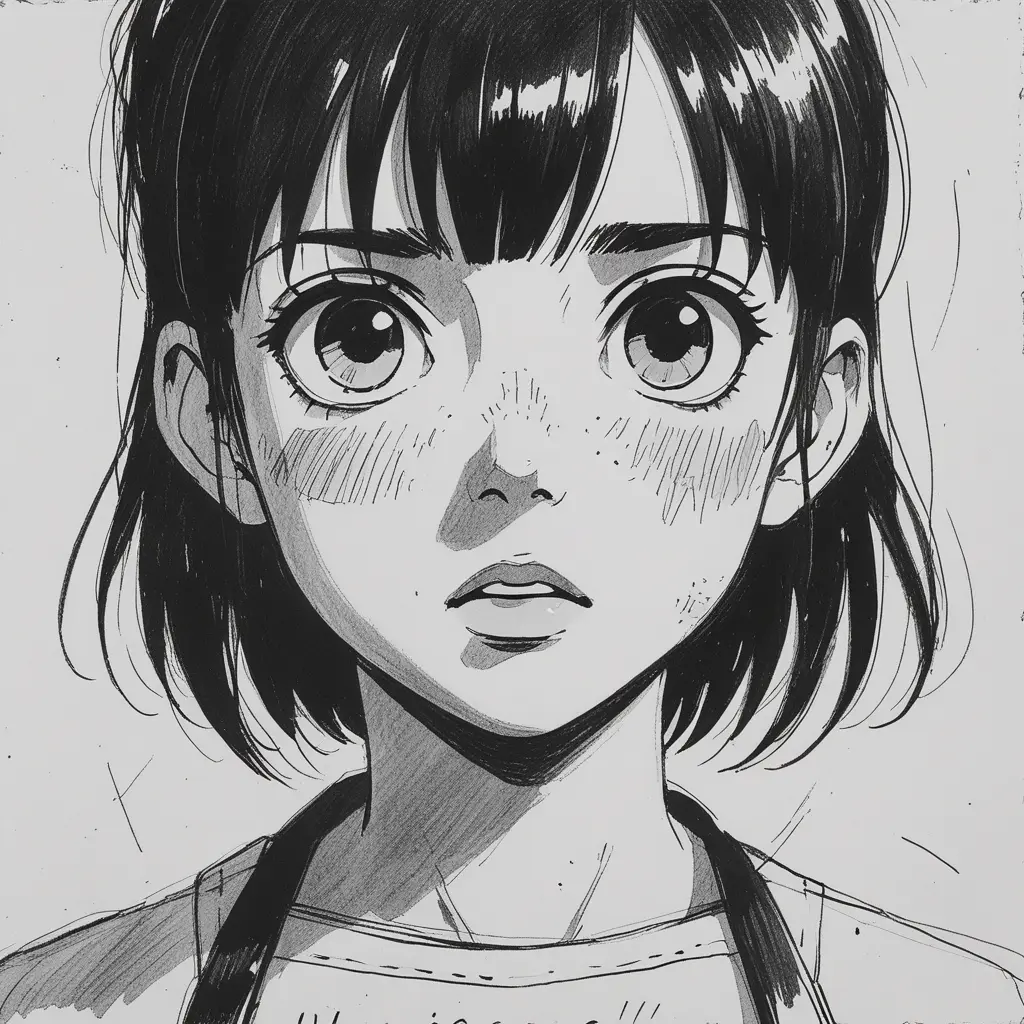 Jamie · Scene 4
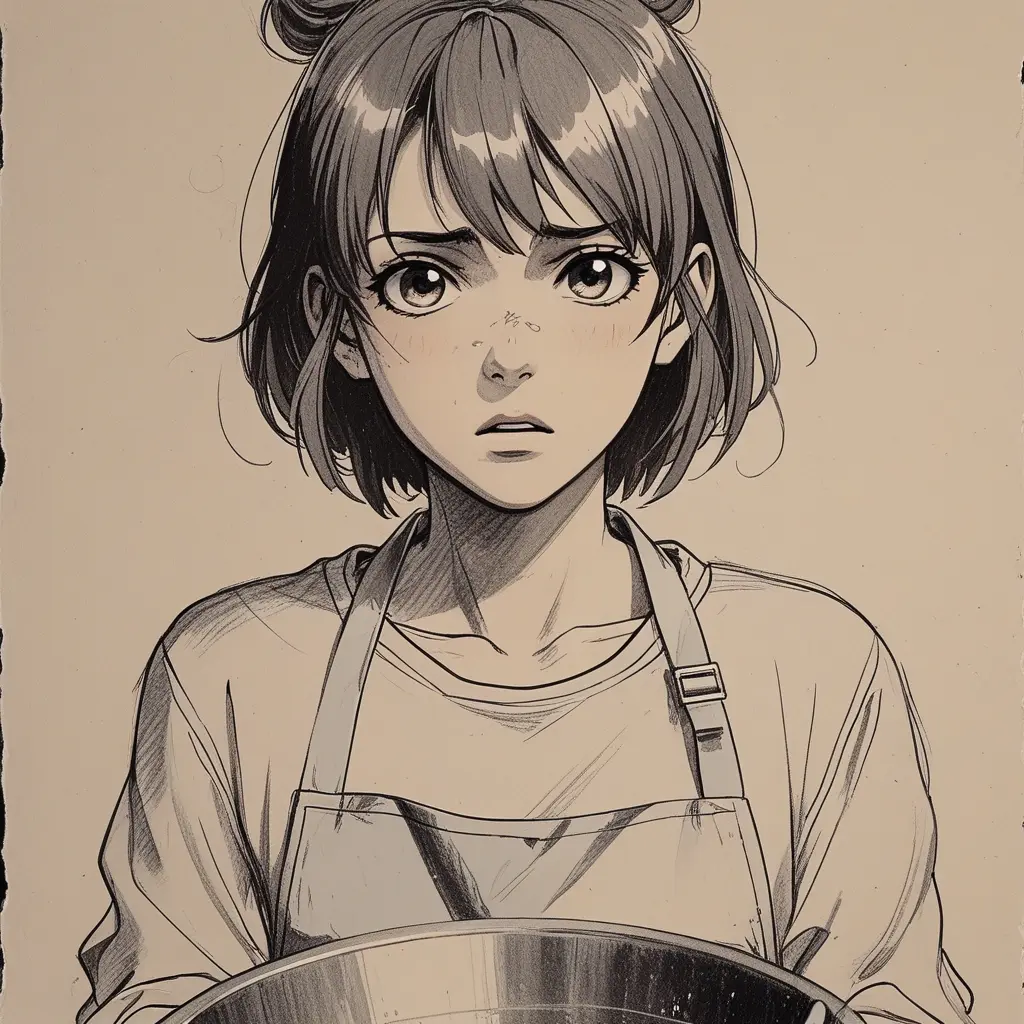 Jamie · Scene 19
Editing and custom models
Dial in the look
Refine any frame with one-click cinematic edits, relight, recolor, or restyle, with a before-and-after compare. Or train a custom model on a character or a visual style for output that is unmistakably yours.
- One-click relight, recolor, and restyle edits
- Before-and-after compare on every edit
- Train a custom model on a character or style
- Reuse a trained look across the whole project
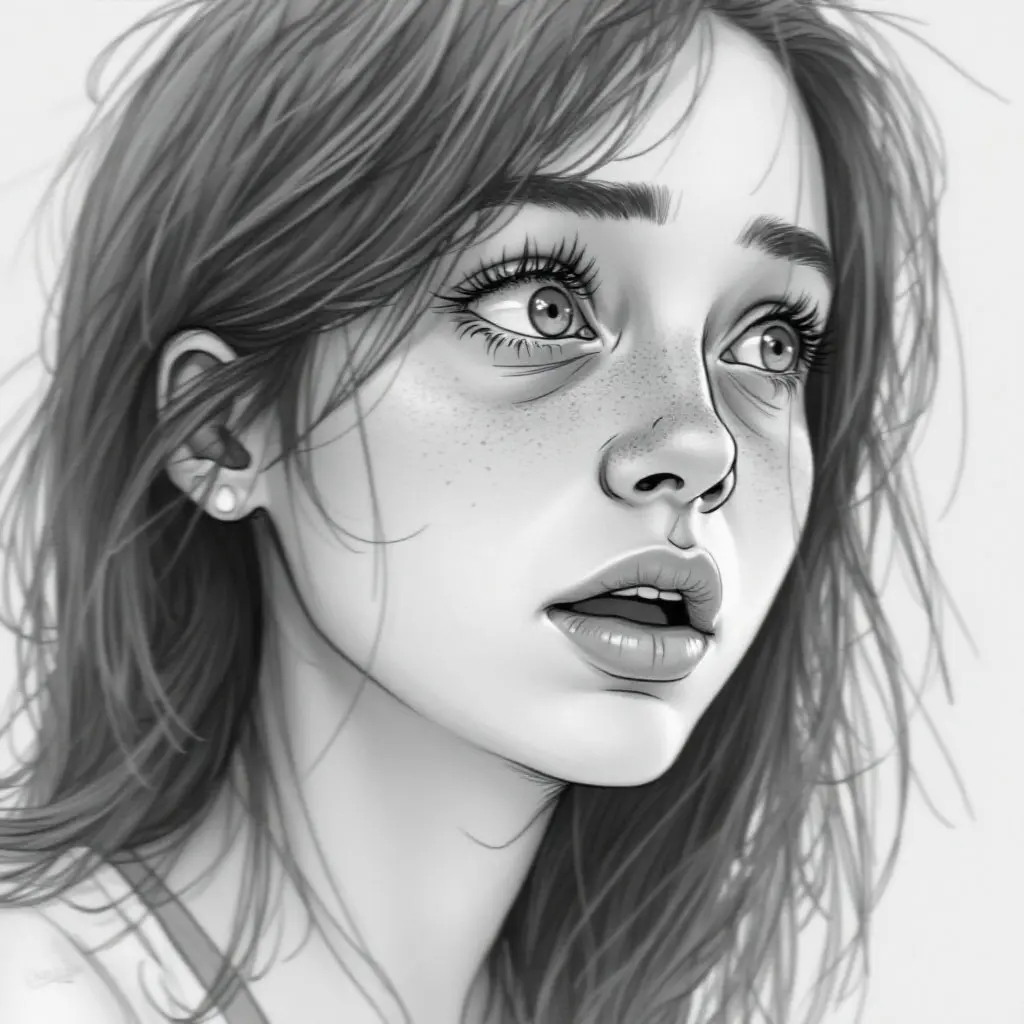 Custom-trained character
Model-agnostic
Every model, one canvas
Generate from the leading image and video models, each tuned to a different look, and let Bosswriter route every shot to the right one. No juggling tools, no lock-in.
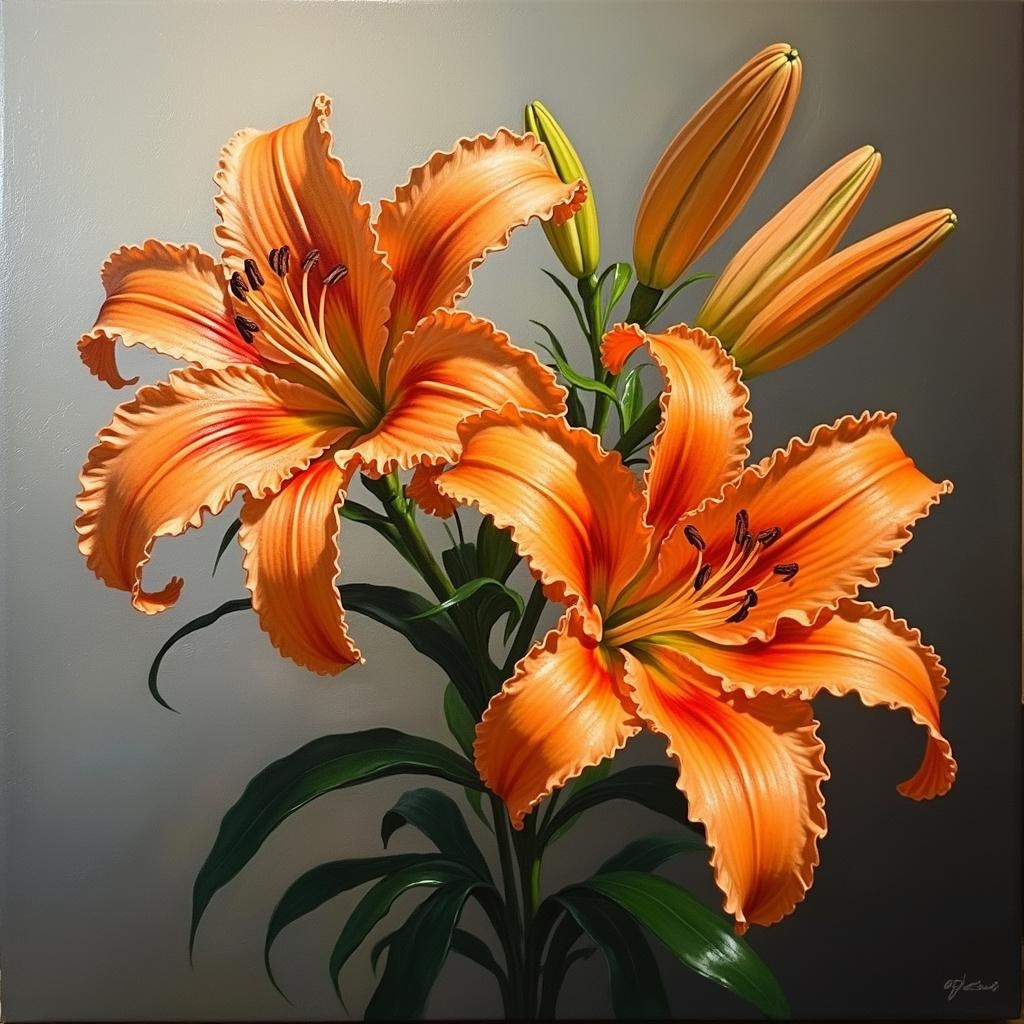
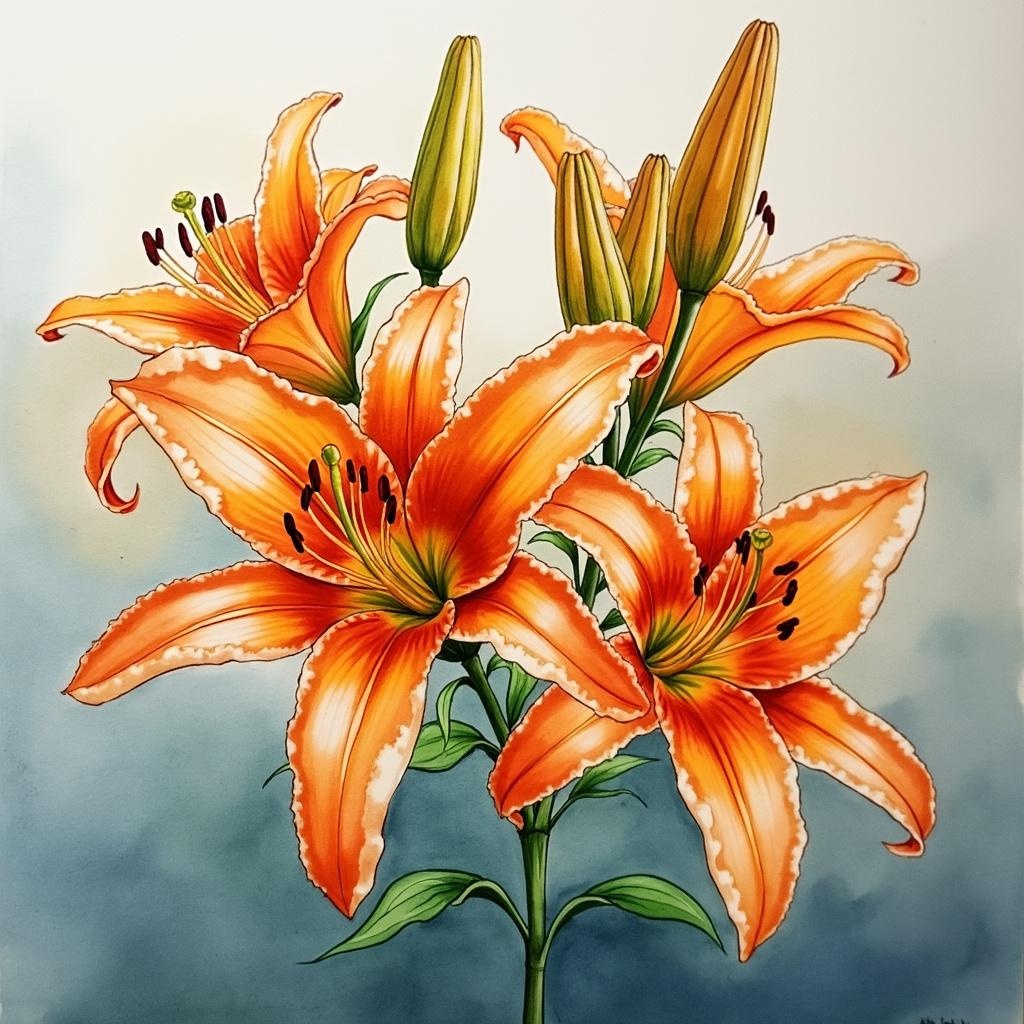
Every style, perfectly rendered
Lock a consistent look across the whole project, from photoreal to hand-painted.






Bring it to motion
Scene to video
Generate moving shots straight from a scene. Pick a look and Bosswriter routes it to the right video model, from fast drafts to cinematic finals. Hover any frame to play it.
Performance
Give it a voice and a face
Cast studio-quality voices for every character, hear a whole scene read through, then lip-sync a character photo to any line to put a face on the performance.
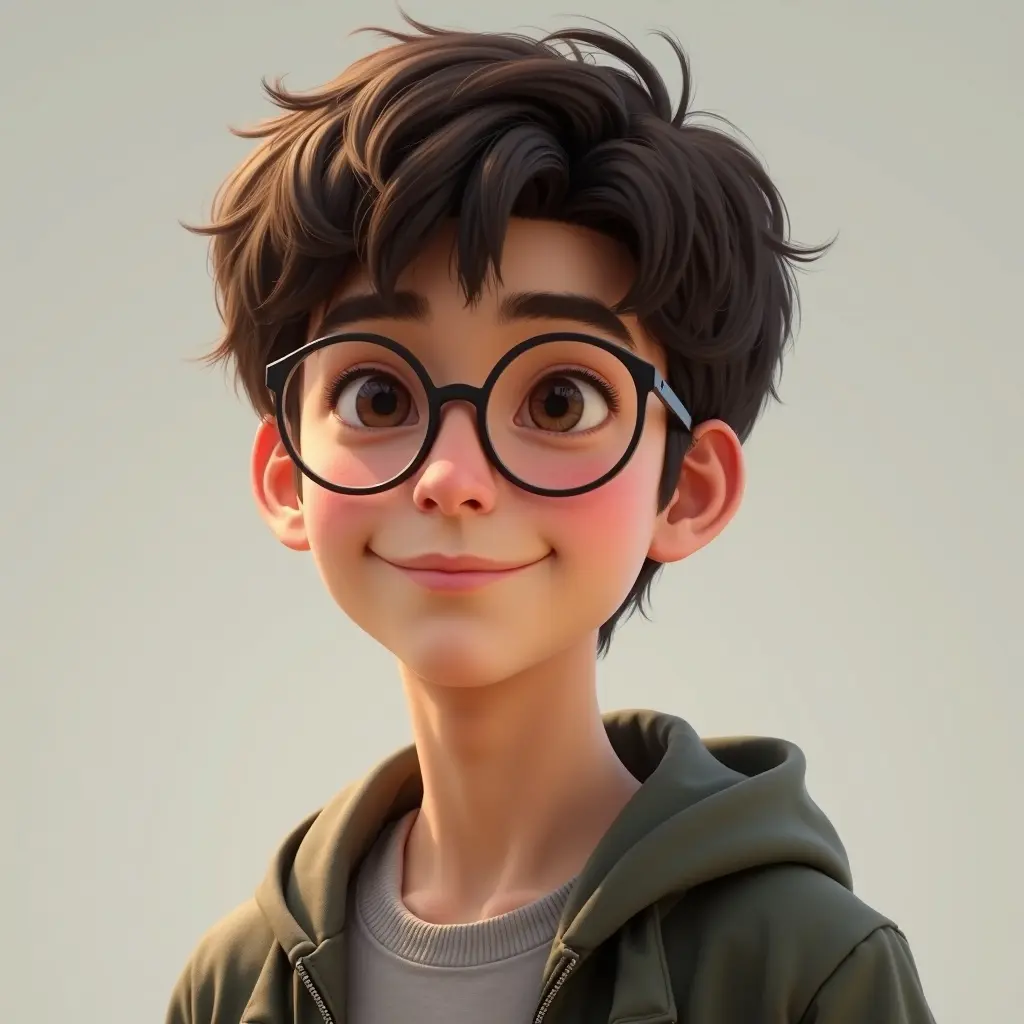
Studio-quality voices
Cast a distinct voice for every character from a deep library, generated on demand.
Whole-scene read-throughs
Turn a scene's dialogue into a single voiced read-through with timing, so you can hear the pacing before you shoot.
Talking characters
Lip-sync a character photo to any voice line to put a real face on the performance.
Timeline editor
Assemble a rough cut
Your scenes and beats auto-arrange onto a multi-track timeline. Cut, trim, reorder, layer captions, score it with audio, and preview the whole thing live.
- Multi-track video, audio, captions, and effects
- Frame-accurate cutting with ripple editing
- Real-time preview as you arrange
- Full undo and redo history
Lock the look before you roll.
Storyboards, consistent characters, video, and voices, all from the script you already wrote.